Fitbod is now included with your Bannatyne Health Club membership.
4.8 Rating
15M+
Downloads
120M+
Workouts logged
ABOUT FITBOD
Focus on Making Progress, Not Program Planning
Smart Tracking
Fitbod adapts its exercise recommendations to suit you better every time you train.
Custom-Fit Workouts
Fitbod designs each workout to fit your stats, preferences, and health club’s equipment.
Monitored Recovery
Fitbod analyzes your recovery and training frequency to optimize performance and prevent injury.
HOW TO LOAD YOUR HEALTH CLUB INTO FITBOD
Follow the Steps Below to Load and Save Where You Train
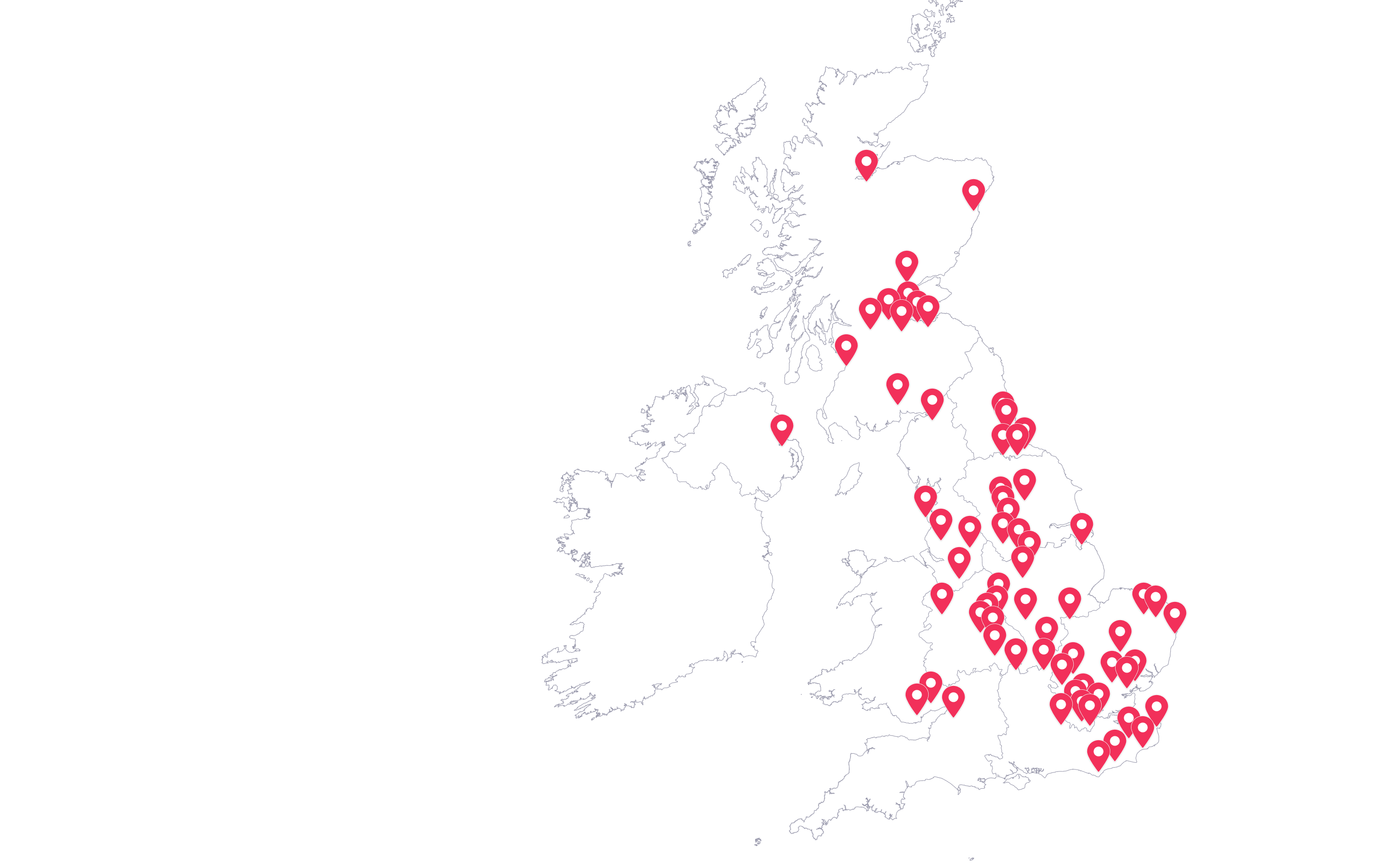
Fitbod knows what’s in your gym. Every Bannatyne Health Club is already saved on Fitbod. Choose your location, and Fitbod will only work with the equipment available.
1
Download Fitbod App, and sign in with your email associated with your Bannatyne Membership, and go through Fitbod onboarding process.
2
Within your app, be sure to change your unit of measurement to Kilograms • From the home page of the app… Tap the “Log” tab (lower right corner) • Tap the gear icon (upper right corner) • Scroll down to then tap “Unit of Measurement” • Switch from “Lbs (Pounds)” to “Kilograms”
3
Head to fitbod.me/bannatyne (this page) or open this webpage on your mobile phone.
4
Head to the bottom of this page, and you will see a drop-down menu with club names. Select the appropriate club. • Once the club is selected, your app will open on your mobile device. If on the web, a QR code will be displayed for you to scan.
5
Now, tap “Save Gym Profile” in the upper right corner. This saves the equipment you’ve got to work with at your health club.
6
You can repeat that process and save as many Bannatyne Health Clubs as you go to as Gym Profiles. To switch health clubs after you’ve saved them, tap the location’s name.




 ABOUT FITBOD


